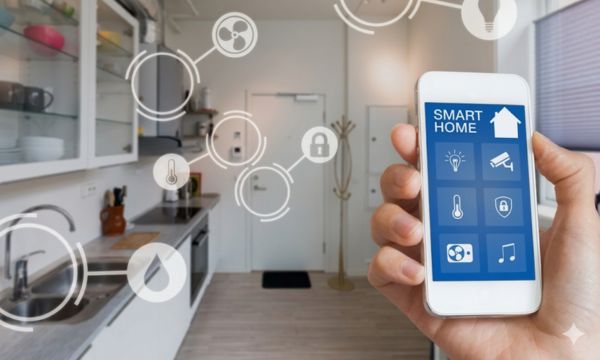
Virtual assistants are transforming the way we interact with our homes.
Ad
Nowadays, talking to your house no longer seems like a scene from a futuristic movie.
With virtual assistants, many people already control lights, music, and even appliances.
Ad
If you have ever said something like “Alexa, play some music” or “Ok Google, what’s the weather forecast?”, then you have already experienced a little of this world.
The truth is that virtual assistants are becoming part of the routine in many homes, especially for people who want more convenience in everyday life.
And the good news is that integrating Alexa, Google, and other devices can be much simpler, and fun, than it seems.
What They are and How They Work at Home
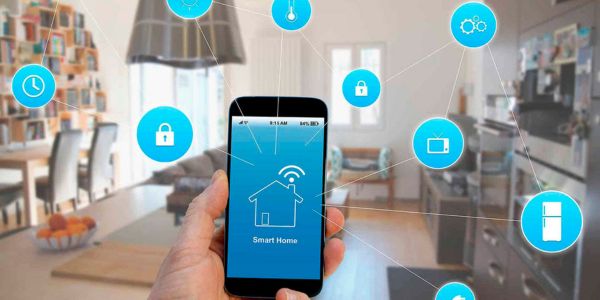
Virtual assistants are intelligent systems capable of answering questions, executing commands, and controlling connected devices.
They work using voice commands, which allows interaction with technology in a much more natural way.
In practice, these systems remain “listening” until you activate the wake word, such as “Alexa” or “Ok Google”.
For example:
- Play music
- Tell the weather forecast
- Set alarms
- Control smart devices
Over time, virtual assistants learn usage patterns and become increasingly efficient.
Alexa, Google Assistant, and Siri: What is the Difference Between Them
Today there are several virtual assistants available on the market, but three names appear most often.
We are talking about Alexa, Google Assistant, and Siri. Each one was created by a major technology company.
- Alexa → Amazon
- Google Assistant → Google
- Siri → Apple
Although they all perform similar functions, there are some important differences.
Alexa often stands out for its wide compatibility with smart home devices.
Google Assistant is known for having very strong integration with Google services.
Siri, on the other hand, works best within the Apple ecosystem.
In practice, they are all intelligent virtual assistants, but each one has its own style. And of course… each one also has its little quirks.

Advantages of Using Virtual Assistants in a Smart Home
Using virtual assistants at home can bring several advantages to everyday life. The main one is convenience.
Instead of picking up your phone or pressing several buttons, you can simply use a voice command.
This may seem like a small detail, but it makes a big difference in daily routines.
Imagine, for example, arriving home with your hands full and simply saying:
“Alexa, turn on the light.” And that’s it. Problem solved!
Among the main benefits are:
- More convenience in daily life
- Voice control of devices
- Automation of household tasks
- Integration with apps and services
How to Connect Virtual Assistants to Your Devices
Connecting virtual assistants to home devices may seem complicated at first, but in practice the process is usually quite simple.
The idea is to transform ordinary devices into part of a connected smart home, where everything works in an integrated and automated way.
First: Check if the Devices are Compatible
The first step is to check whether the devices are compatible with Alexa or Google Assistant.
Many products already indicate this compatibility on the packaging or in the manufacturer’s information.
Among the most common devices are smart light bulbs, connected plugs, smart TVs, and security cameras.
Next: Connect the Device to the App
After installing the device, it is usually necessary to configure it using the manufacturer’s app.
In this app, you connect the equipment to the Wi-Fi network and make the first adjustments.
This step is important because it allows the device to be recognized by the system of the virtual assistant you use at home.
Finally: Integrate it with the Virtual Assistant
Once the device is configured, simply open the Alexa or Google Assistant app and add the new device.
From that moment on, the equipment will respond to voice commands, becoming part of your home routine.
Integrating with Appliances and Lights
One of the most fun parts of using virtual assistants is integrating appliances and lighting.
Today there are many options of devices compatible with Alexa and Google.
Among the most popular are:
- Smart light bulbs
- Smart plugs
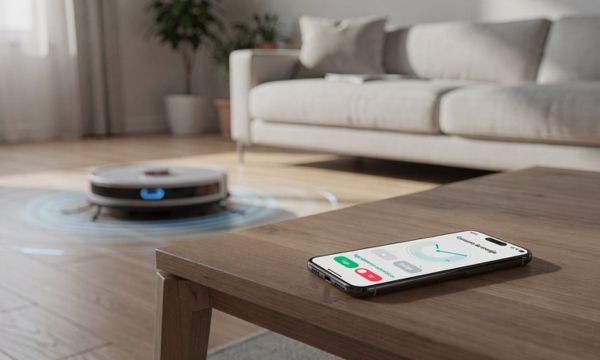
- Robot vacuums
- Connected coffee makers
Yes… coffee makers. Imagine waking up and saying: “Ok Google, make the coffee!”
It may not be possible in every home yet, but technology is getting closer to that reality.
How to Create Custom Commands and Automatic Routines
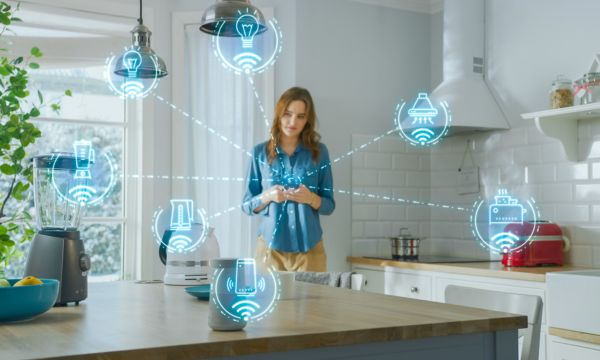
One of the most interesting features of virtual assistants is automatic routines.
These routines allow multiple actions to be executed with a single command.
For example, you can create a routine called “good night.”
When it is activated, the system can:
- Turn off the lights
- Turn off the TV
- Set the alarm
- Play relaxing music
All with just one phrase! This is possible because virtual assistants can connect different devices within the same system.
Tips to Get the Most out of Them in Daily Life
To make the most of them, it is worth exploring some extra features.
Many people only use basic functions and end up missing several possibilities.
Some simple tips include:
- Trying different voice commands to discover new functions that assistants can perform.
- Exploring compatible apps that allow you to integrate more services and devices into the smart home.
- Setting up automatic routines so several actions happen with just one command.
- Adding new smart devices gradually to expand home automation possibilities.
Another important tip is to keep your devices always updated. This ensures that the virtual assistant works more reliably.
And it also avoids those moments when you ask for something… and it simply decides not to cooperate. Yes, that happens!
Common Integration Problems and How to Solve Them
Despite all the convenience, sometimes virtual assistants may present some small issues.
Nothing very serious, but enough to generate that famous phrase: “Alexa, why aren’t you working today?”
Among the most common problems are:
- Internet connection failures
- Devices not synchronized
- Commands not recognized
- Configuration problems in apps
Most of the time, the solution is simple. Restarting the device, updating the app, or reconnecting the equipment usually solves the issue.
It is also worth checking if all devices are connected to the same Wi-Fi network.
With a few quick adjustments, virtual assistants return to working normally. And the smart home goes back to its rhythm.
Because, in the end, nothing is more satisfying than saying “Alexa, turn off the light” while you are already comfortable on the couch.